I just switched some components on my computer to get some more speed out of my photography retouching workflow. Since I really hate waiting for Lightroom I opted for a really beefy i7-5820K with a pretty oversized motherboard and plenty of ram. I kept my trusty Geforce GTX 760 TI all of my peripherals - but the 6 (12 logical) cores really ought to speed up my workflow.
So I ordered my stuff and assembled it - even upgraded my case from a Midi-Tower to a Full-Tower to get better air-flow and cooling to my hard drives. I spent way too much time tidying up cables and making the whole build really solid. Everything worked flawlessly at first. Until the next day where I was scheduled for a meeting with a client at 4pm and wanted to transfer some images to the iPad to show during the meeting.
So I spun up Lightroom, selected some of my favourite images from last weeks wedding and hit Export like I did a thousand times before. But this time the computer just rebootet after a few seconds.
Ok so I was royally screwed, I retried immediately and the computer froze once more. Looking into the Eventlog I found a critical Kernel-Power 41 error without any useful description whatsoever.
At that point I had to quit and get to the meeting - without the images, but when I came back and searched a bit online Idiscovered that Kernel-Power 41 can mean a multitude of things, but mostly that the system did not cleanly shut down and that most likely a Power-Supply-Unit issue is causing it.
So I did the math on my components and found that the rig should run at peak power consumption somewhere around 520 Watts - with a bit undersized 550W PSU installed (your PSU should have around 30% headroom over the peak consumption to be able to absorb spikes without any issues). So I frantically searched for a new PSU and got myself a 750W beQuiet! unit. After another hour of routing all the cables and making sure everything is neat and tidy inside my case I turned on the computer - ran a Lightroom export and the system crashed once again :(.
This time I was sure the PSU is fine (and probably has been fine all along) and I looked at the Graphics-Card and the RAM for the culprit. I re-installed everything once more to make sure all the leads are connected correctly and the system still froze.
Next up I decided to reset my UEFI-BIOS to factory defaults and try again - to no avail. Until I decided to disable the Intel XMP RAM overclocking that was being applied and voila - the system is stable under extreme loads! So apparently G.Skill has screwed up somewhere with their G.Skill Ripjaws 4 3000mhz kits and the XMP profile configured by my BIOS was causing system
Turns out: Enabling the XMP Profile for my RAM did not disable the Turbo-Boost. It only overcloed the System to 3.6ghz, but whenever Windows decided the System could use some more Horsepower it instructed the CPU to go into Turbo-Boost which overclocked the overclocked system by another 30%. Needless to say that was outside the safe range for the RAM and the system crashed. I noticed this for the first time after disabling the XMP profile and monitoring my RAM under load - it was already running at 3ghz without the overclock settings in the BIOS.
And: Having your system randomly freeze and reboot at various steps of your Windows updates also sucks - I am now stuck with a failing Windows .NET Framework 4.2 updatee and can’t upgrade to Windows 10 :(
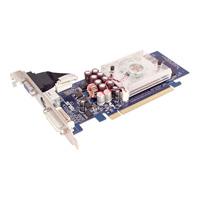 Die Geschichte beginnt damit dass meine EVGA Geforce 7950 GT unter Windows Vista Probleme mit dem Treiber hatte die auch der EVGA Support sich nicht erklären konnte.
Also wurde ich instruiert die Grafikkarte einzuschicken.
Die Geschichte beginnt damit dass meine EVGA Geforce 7950 GT unter Windows Vista Probleme mit dem Treiber hatte die auch der EVGA Support sich nicht erklären konnte.
Also wurde ich instruiert die Grafikkarte einzuschicken.
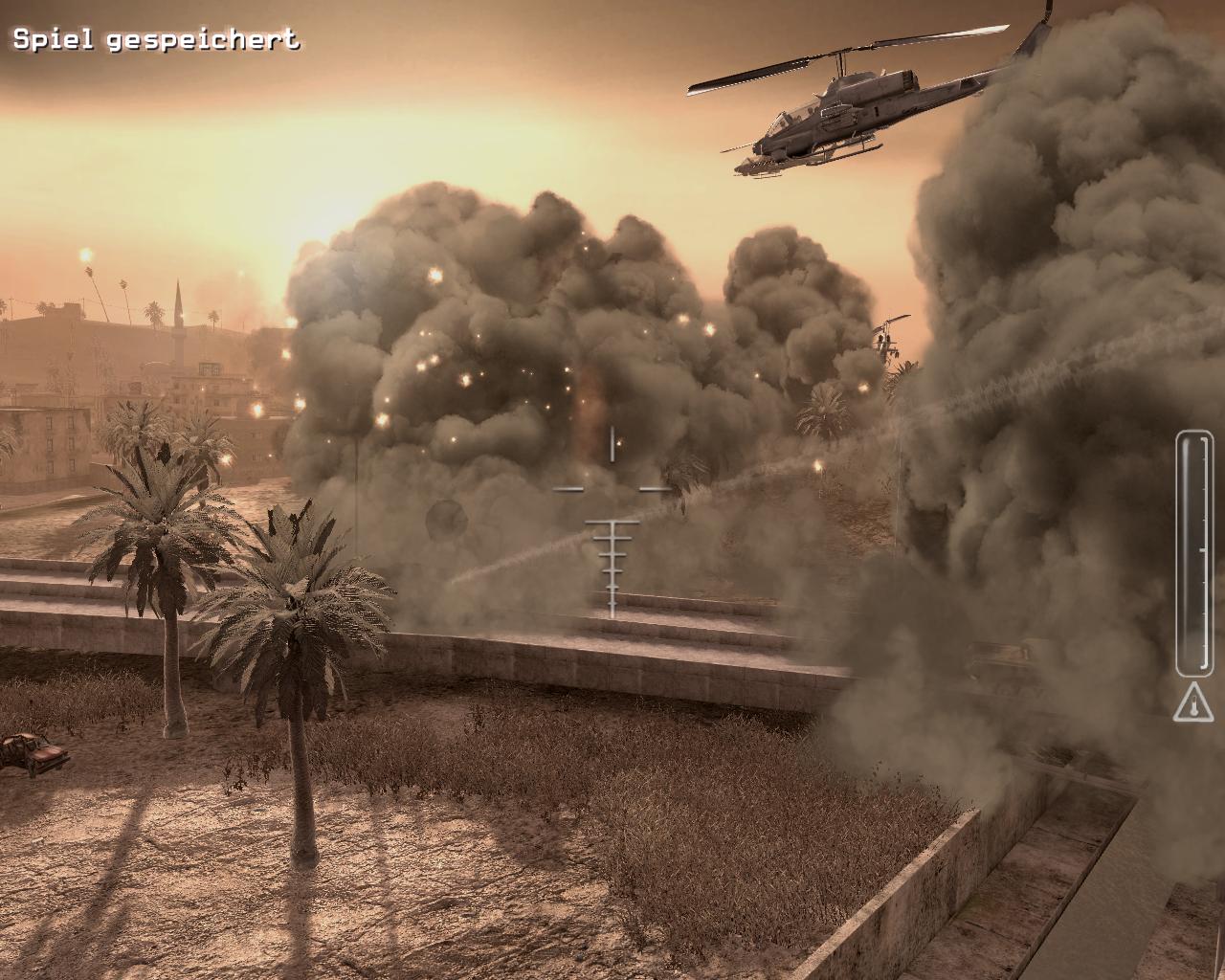
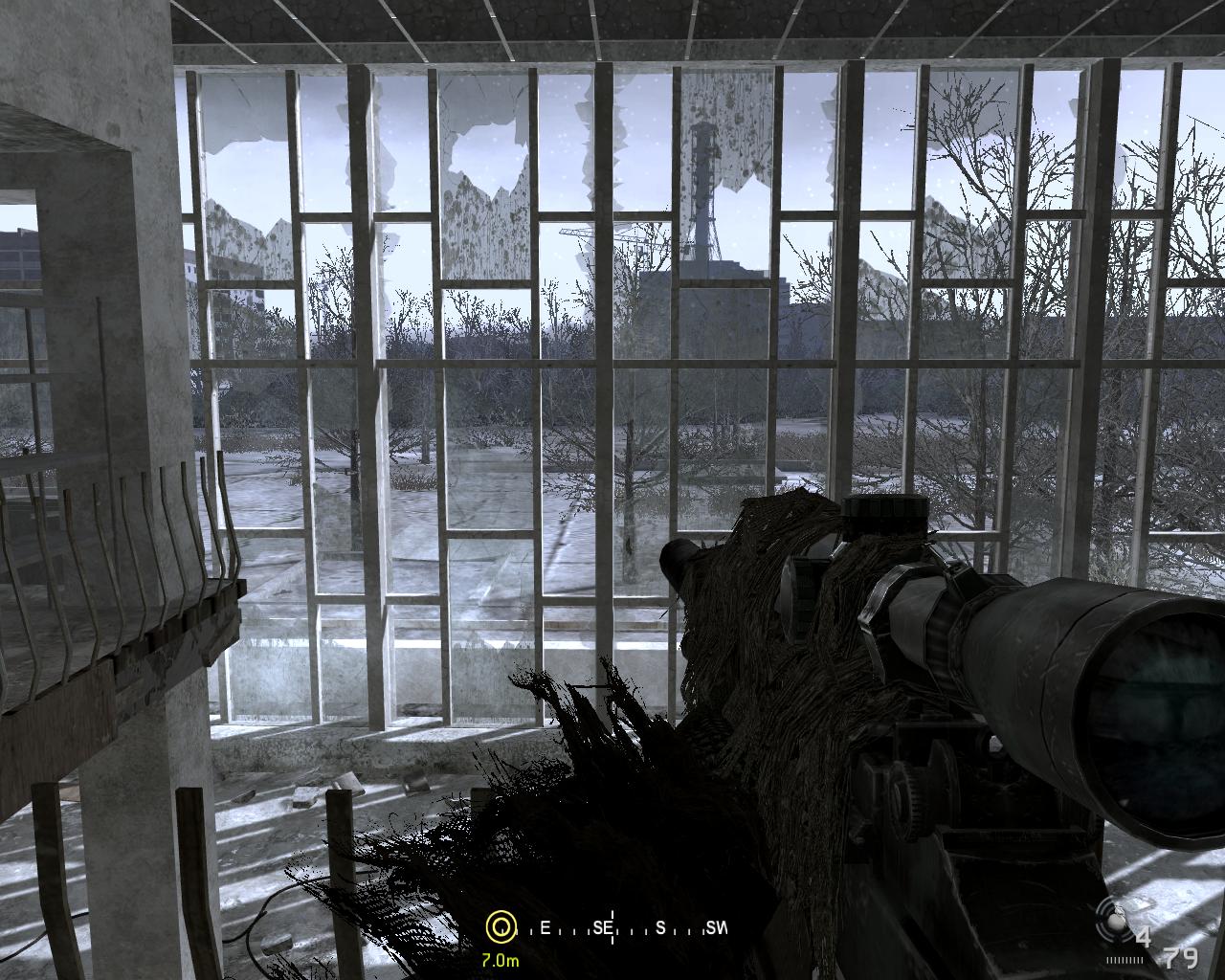

 Wow! Nachdem ich gestern den ganzen Tag vom